
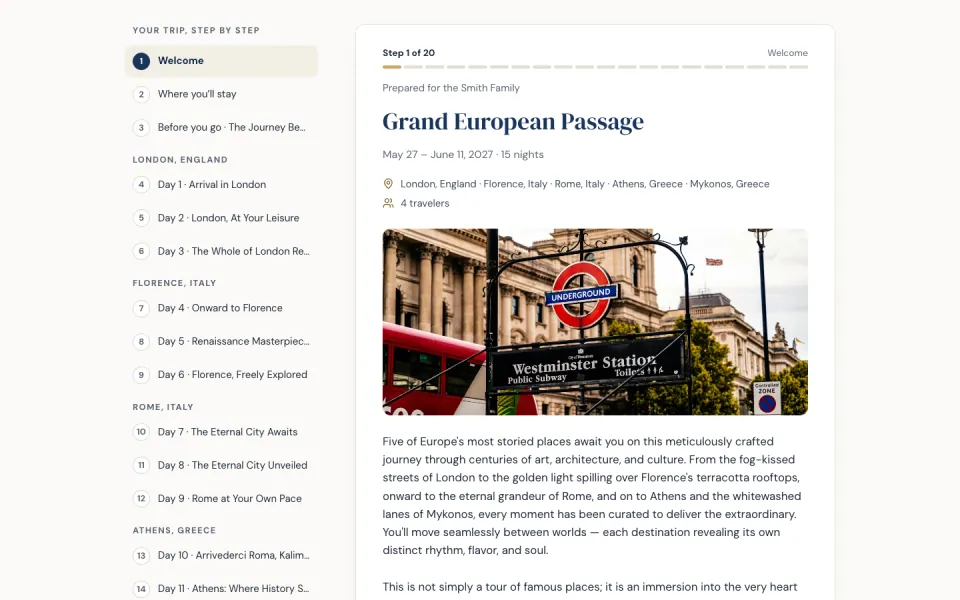
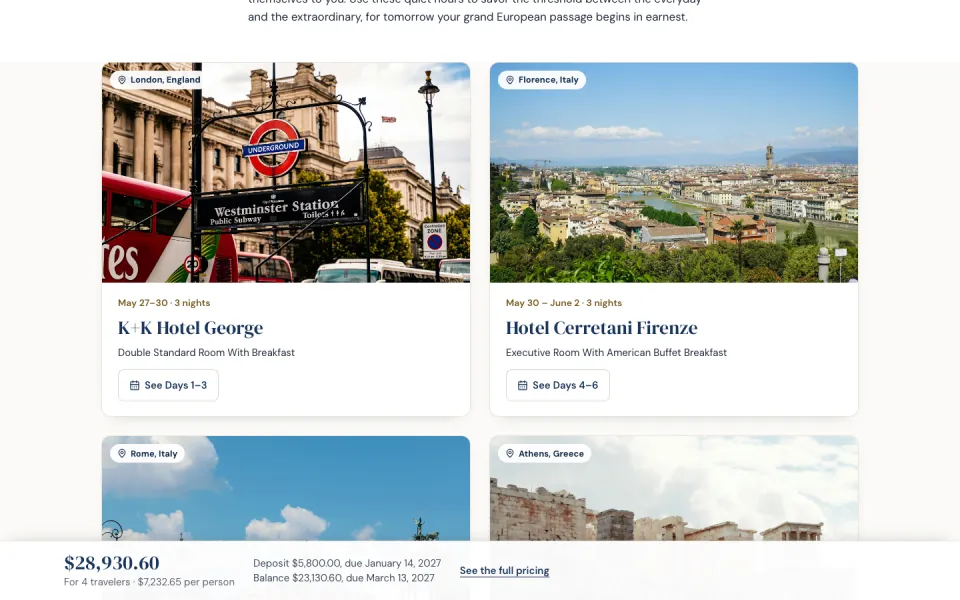
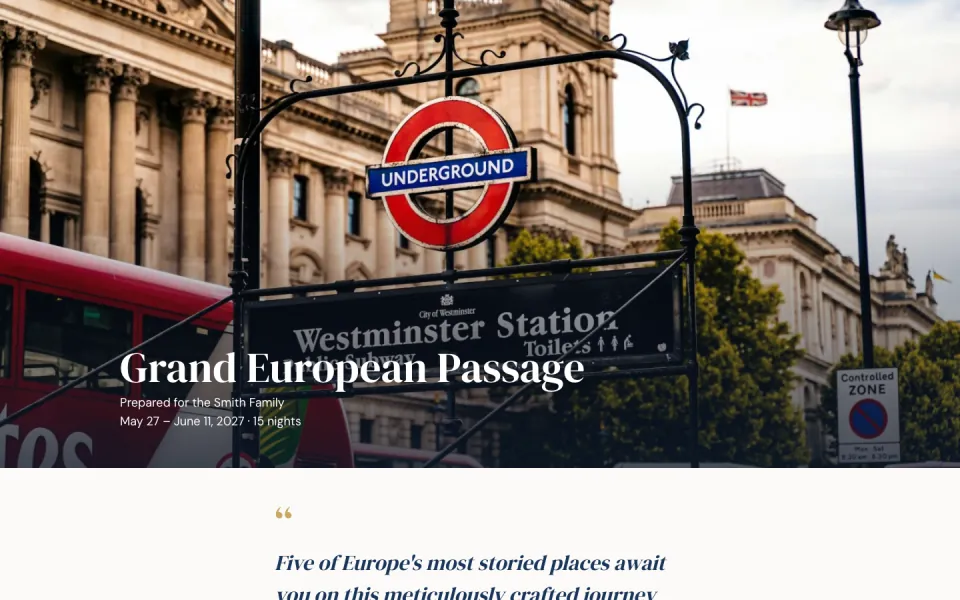
Skip to the page
For independent travel advisors

Travel Proposals, From First Draft to Accepted

Describe a trip or upload your supplier invoices. Creo drafts a branded proposal your client reads, questions and accepts from a private link.

  • 3 free credits
  • No credit card
  • No subscription
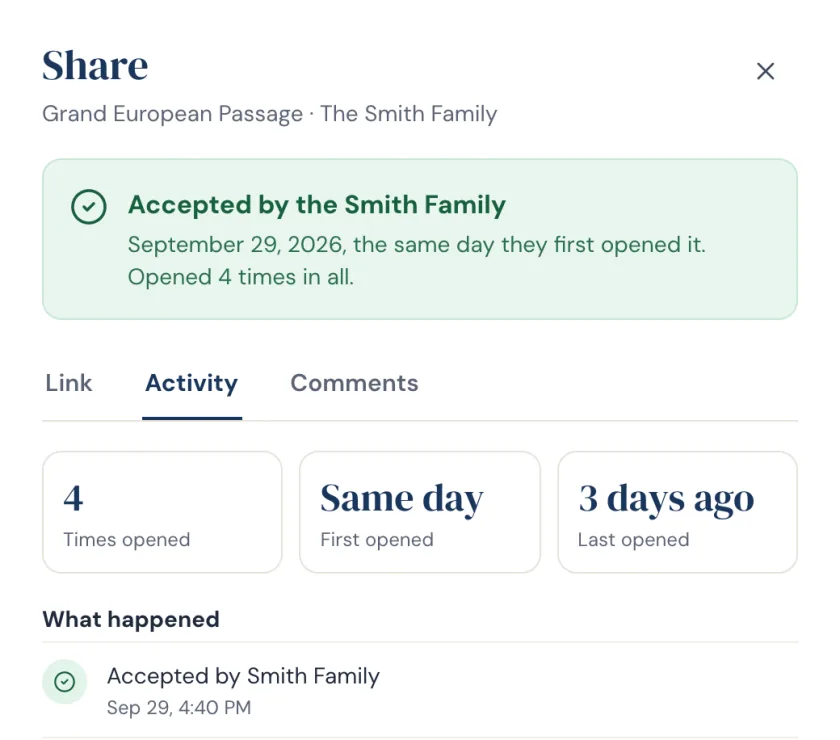
Proposal acceptedSmith Family · opened 4 times
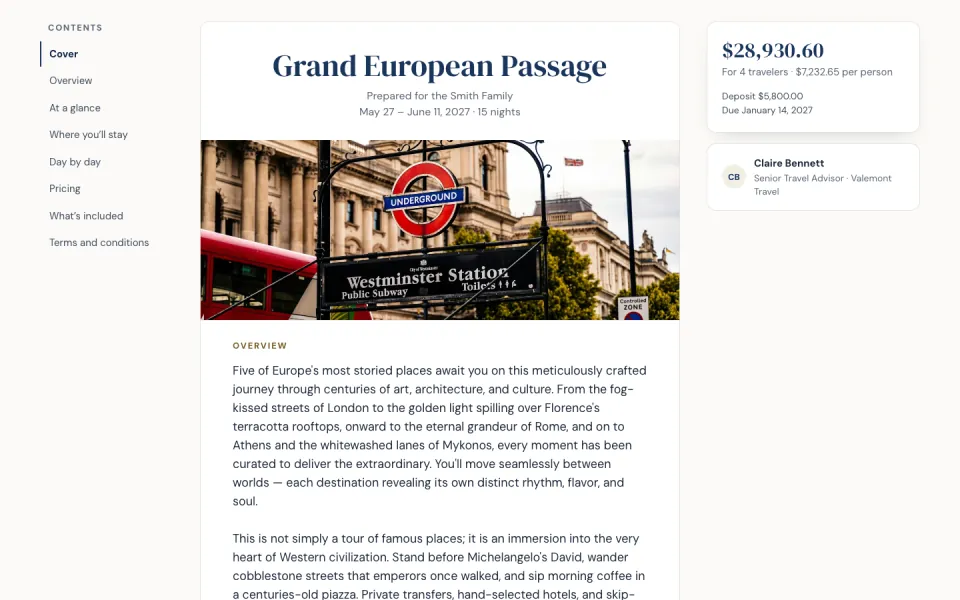
See a sample proposal
Built for independent and host-agency advisors
  • Start from a brief or supplier invoices
  • Your logo and colors on every proposal
  • Clients comment and accept on any device
How it works

From a brief or an invoice to a yes

Start from a blank page or from what your suppliers have already billed. Both land in the same document.

1
Start from a brief or an invoice
2
AI builds proposal
3
Share portal link
4
Client accepts
  1. Start from a brief or invoices

    Describe where they are going and who is traveling, or drop in the supplier PDFs. Either way you get the same branded document.

  2. Shape it by asking

    Ask for changes in your own words: shorten a day, make Rome gentler, warm up the tone. Keep or discard each rewrite.

  3. Send it and watch it land

    Share a private link. Your client opens it in any browser, comments on anything and accepts by typing their name. You are told when they open it and when they accept.

What it does

Built for the way trips come together

Build

Draft the itinerary before anything is booked

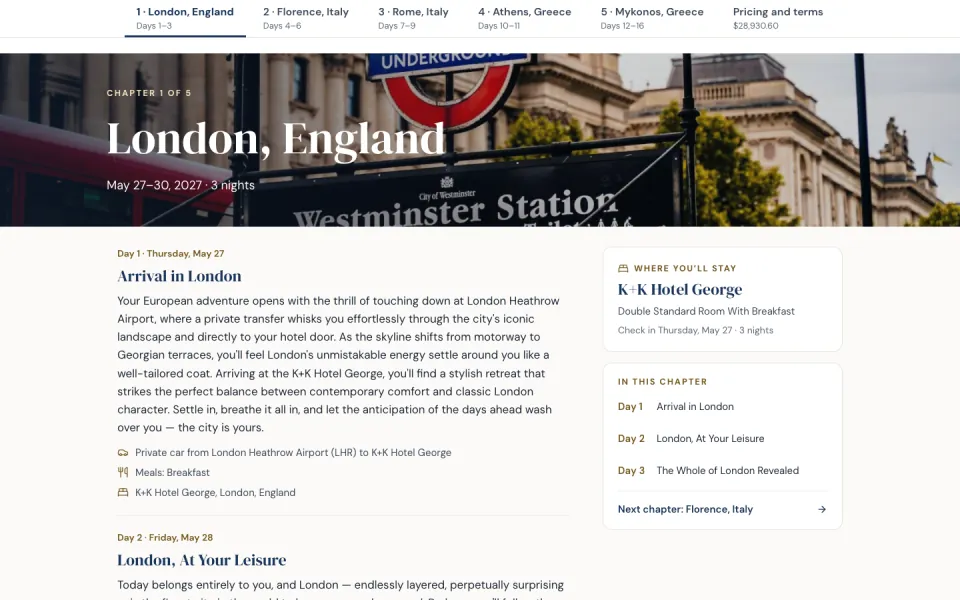
Describe where they are going, for how long and who is traveling. Creo drafts the day-by-day in order, with the travel between stops worked out.

  • Change anything by asking, in plain words
  • Keep or discard each rewrite before it is saved
  • Type into any part of it by hand, whenever you like
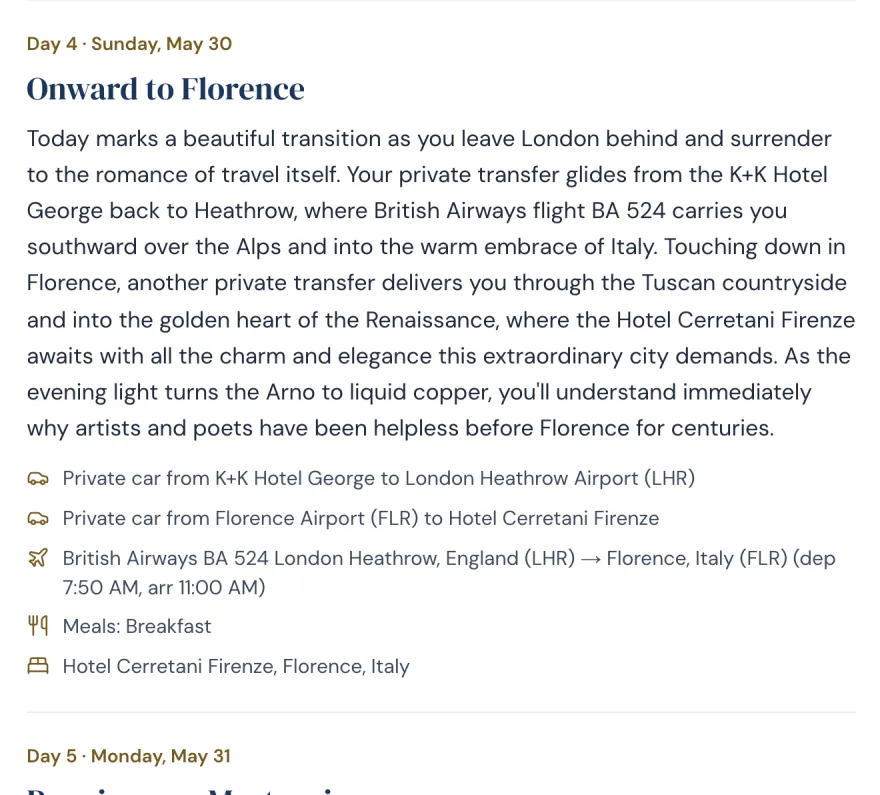
A drafted day of the itinerary: onward to Florence, with the transfer and the flight worked out
Price

Price it as supplier invoices arrive

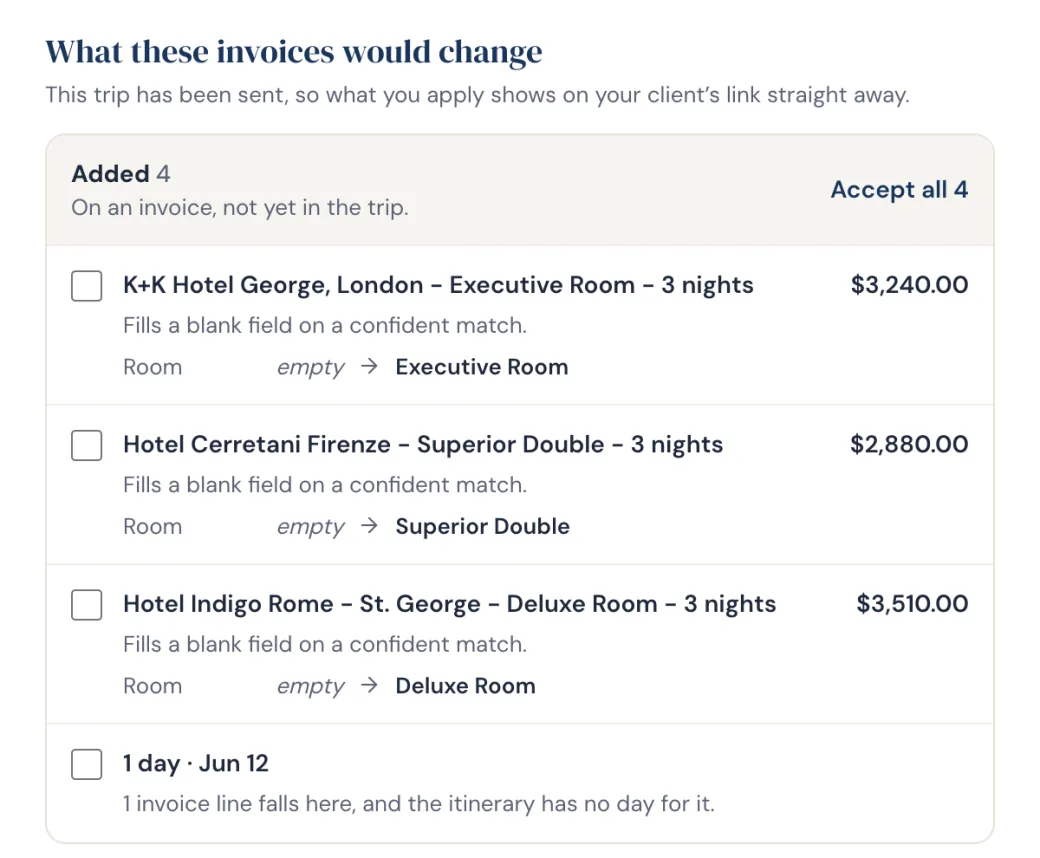
Drop in supplier confirmations as PDFs, scanned ones included. Creo matches every line to the day it belongs to and totals what the trip costs you.

  • Flags an invoice that covers days your itinerary does not
  • A corrected invoice replaces the one it revises
  • Trip cost per stop and in total, never a guess
Supplier invoices matched against the trip, with a line the itinerary has no day for
Send & close

Send a link. Know the moment they say yes.

Your client opens a branded proposal in any browser from the private link you send, and accepts by typing their name. No app, no account.

  • See when it was first opened and how often since
  • An email the moment they accept
  • Clients can comment on the itinerary before it is priced
Share panel showing the proposal was opened four times and accepted

Also included: version history · PDF download · client records and groups · your logo and colors on every page

Pricing

Pay as you go, not by the month

Most proposal software is a monthly subscription, whether you send twenty proposals that month or none. Creo is pay as you go: a credit builds one trip, and credits don’t expire while your account is active.

  • Single$41 credit$4.00 a credit
  • Starter$155 credits$3.00 a credit
  • PopularPro$5020 credits$2.50 a credit
  • Best valueAgency$10050 credits$2.00 a credit

Every pack includes every feature. Editing a trip is part of its credit, within fair use: each credit covers the AI work for a typical trip, supplier invoices included. If a very heavy trip needs more, Creo asks before using a second credit.

Start with 3 free credits

Questions advisors ask

No. The itinerary builder drafts a full day-by-day trip from a short brief, before any prices exist. That is the version most advisors send first. Invoices come later and price it.

One credit generates one document, and the AI work on it afterwards is included up to a fair-use limit — editing a day, rewriting a stop, reading further invoices into it. You start with three free credits and no card. Credits don't expire while your account is active.

A branded proposal in their browser, in the template you chose, with your logo and colors. They open your private link straight from the email Creo sends, or by entering their email address, so there is no app to install and no account to make. They can read the trip day by day, comment on anything, and accept by typing their name.

Yes. Your logo, brand colors and contact details appear on every proposal and every client portal. The document is branded to your agency, not to Creo.

Yes, by hand or by asking. Every part of the document can be typed into directly, and you can ask for a change in plain words — shorten this day, make Rome gentler, warm up the whole document. Rewrites appear in place and you keep or discard each one before saving.

Yes. Proposals and invoices are stored securely, and in Creo only your account can see them. A client sees a proposal only through the private link you share. Anyone who has that link can open it (from Creo's email it opens straight away; otherwise it asks for an email address first), and you can turn a link off at any time. We use industry-standard encryption. Your clients' data is never sold, and it is processed only by the providers listed in our Privacy Policy.

Your first three credits are on us

Three free credits when you sign up. No card, no subscription.